A whole product photoshoot, from a few phone photos.
Take a couple of pictures of what you make. Softboxly turns them into nine professional photos, set in a beautiful place, and checks each one against your real product.
No card needed. No studio. No editing skills.
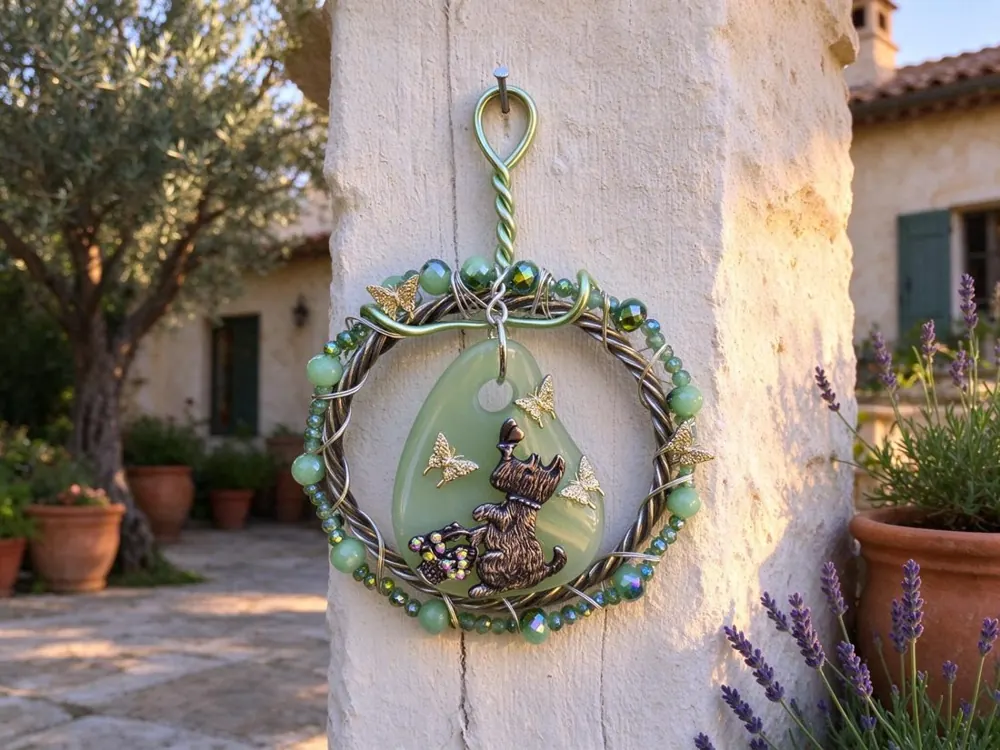
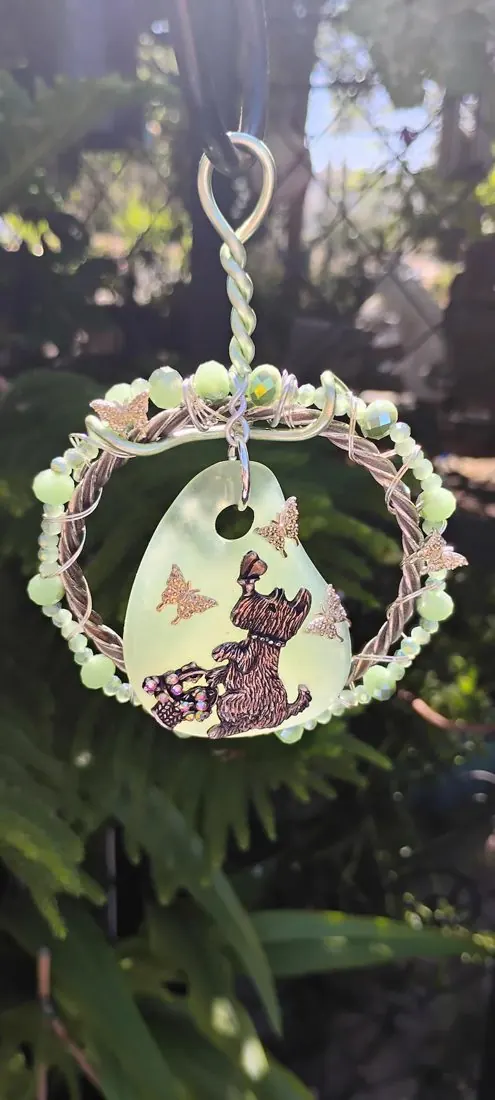 Your phone photo
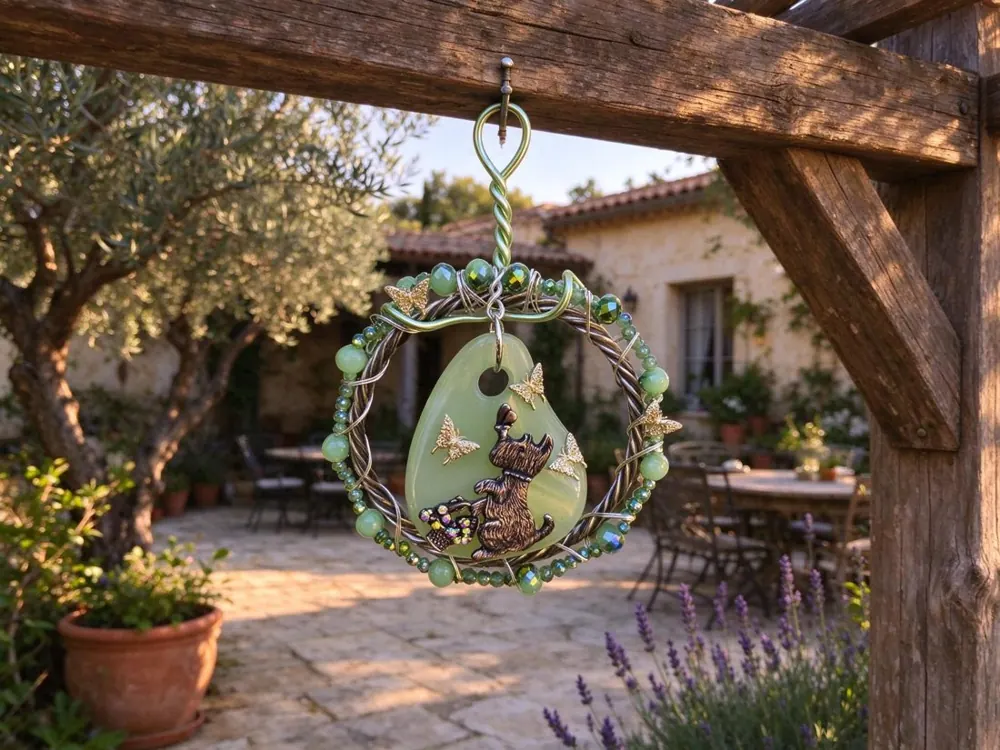
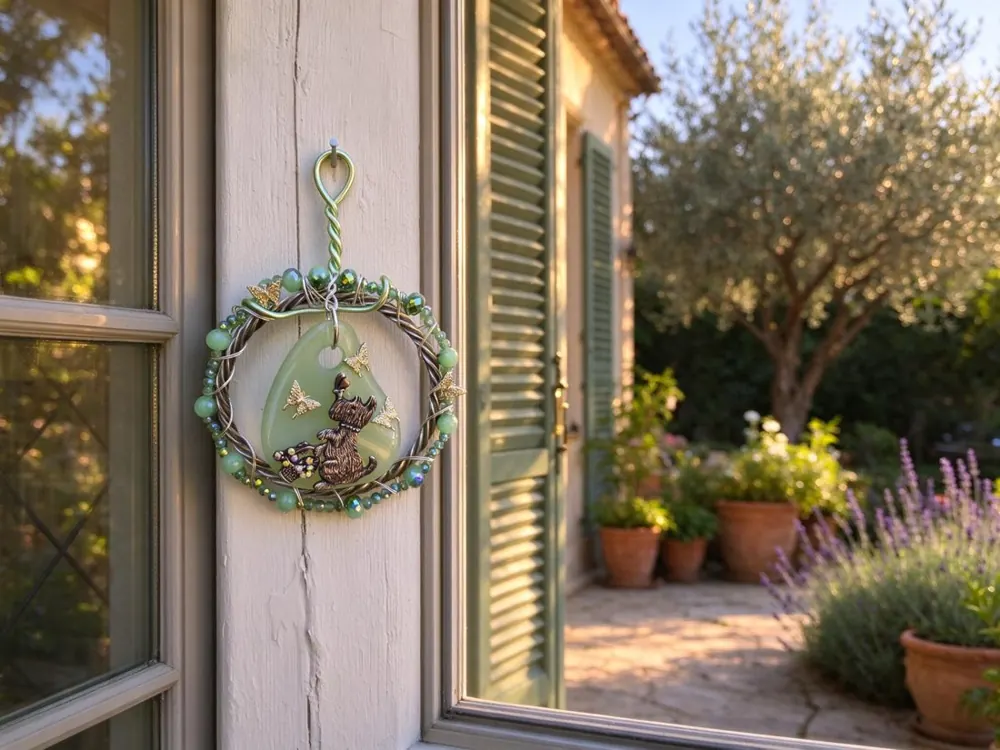
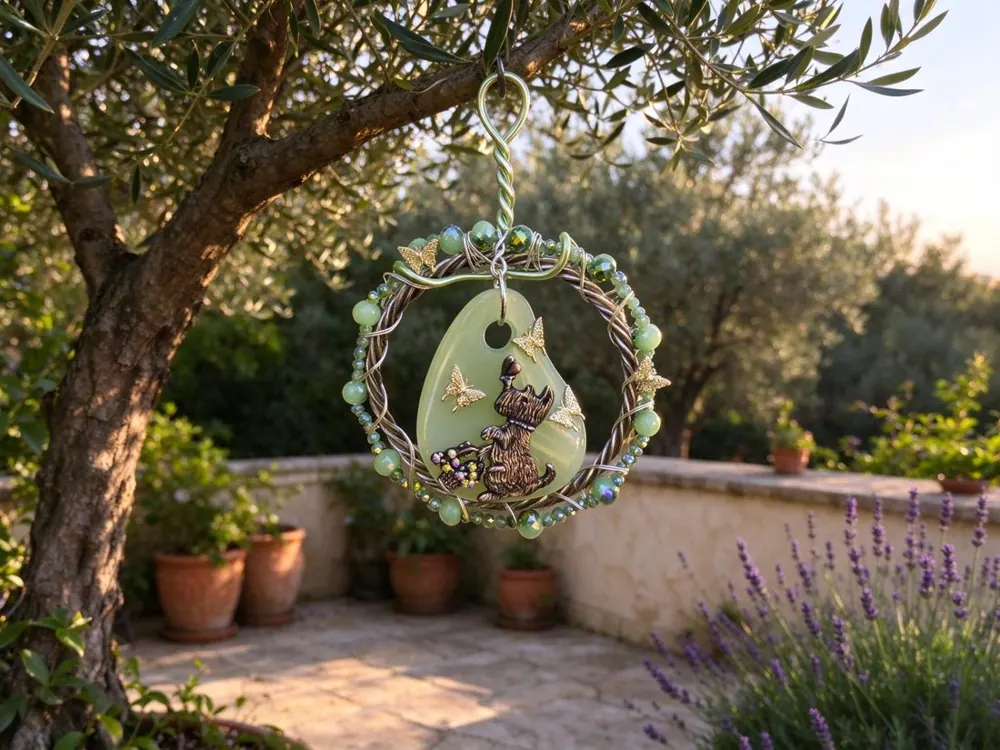
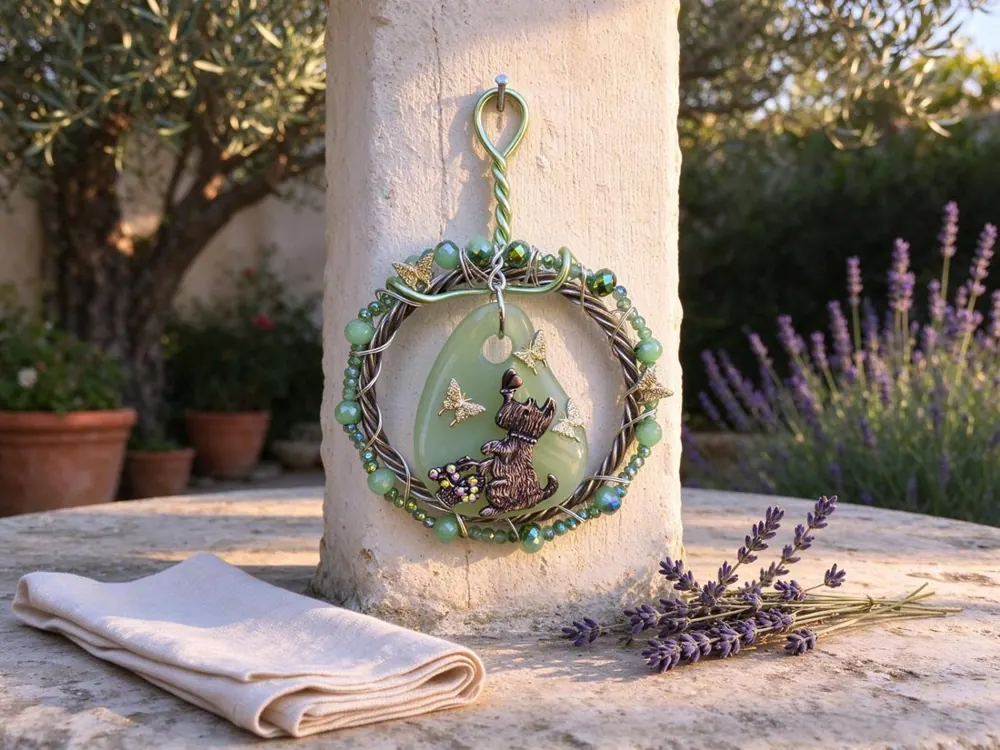
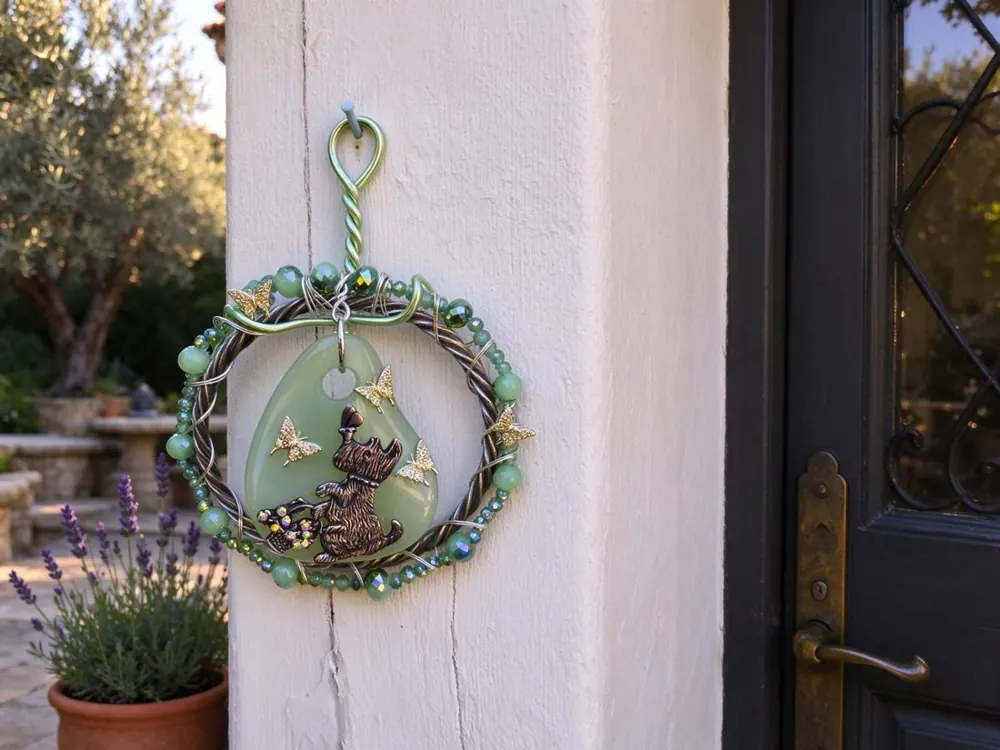
A real shoot made with Softboxly. One suncatcher, many places in the same garden.
Five easy steps. Here is the real app.
These are screenshots of Softboxly, using a real suncatcher from a real seller.
Show us your product
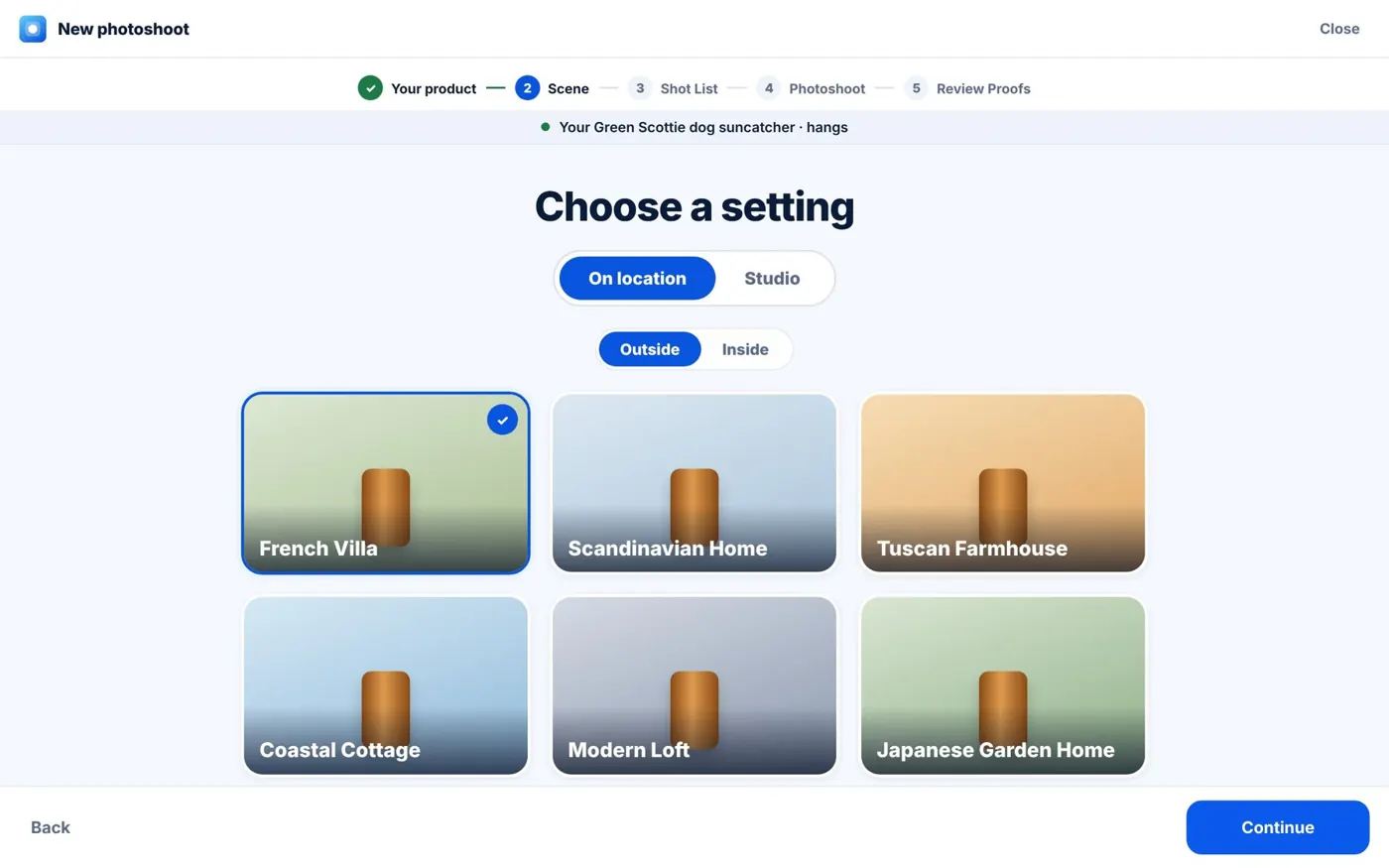
Add a few phone photos. Give it a name, or leave that blank and the AI will name it for you.
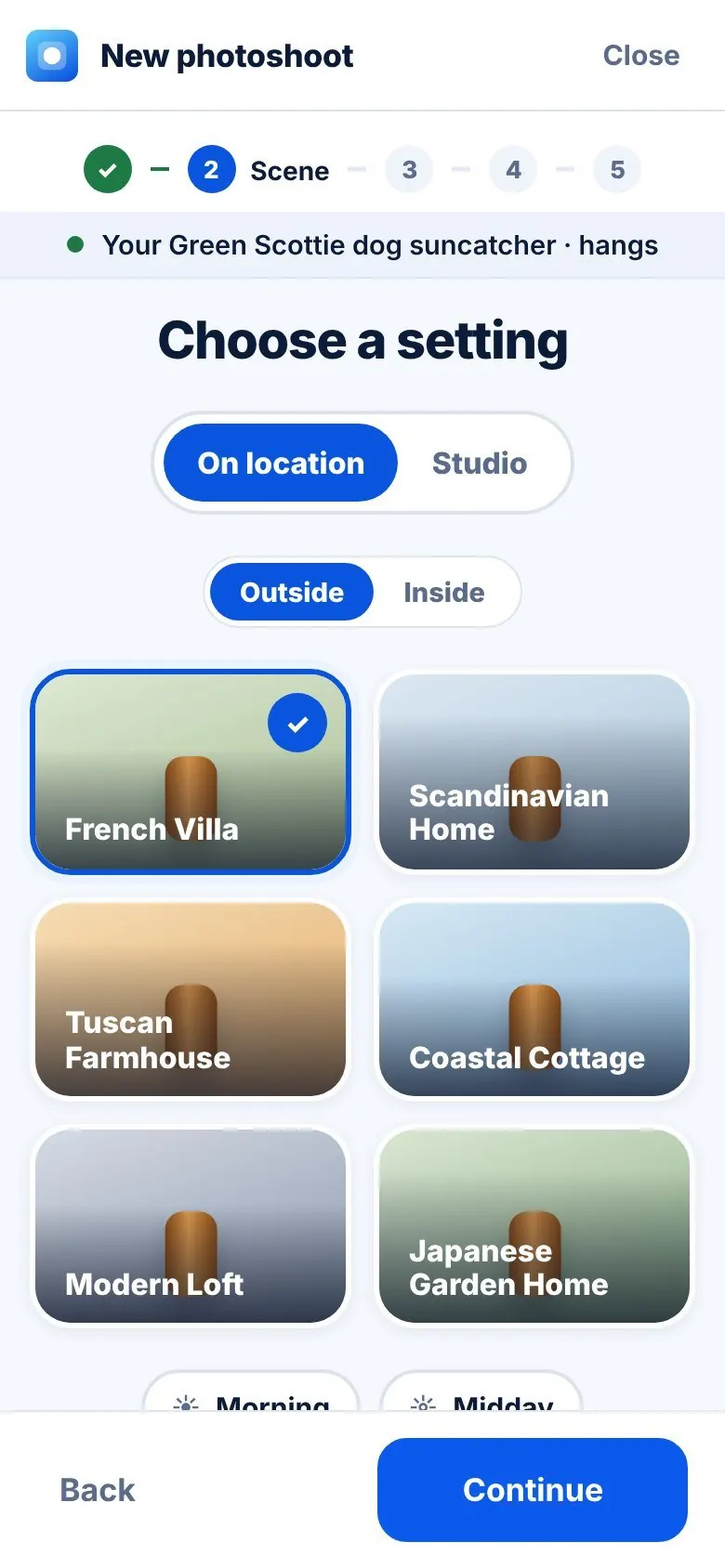
Pick a place
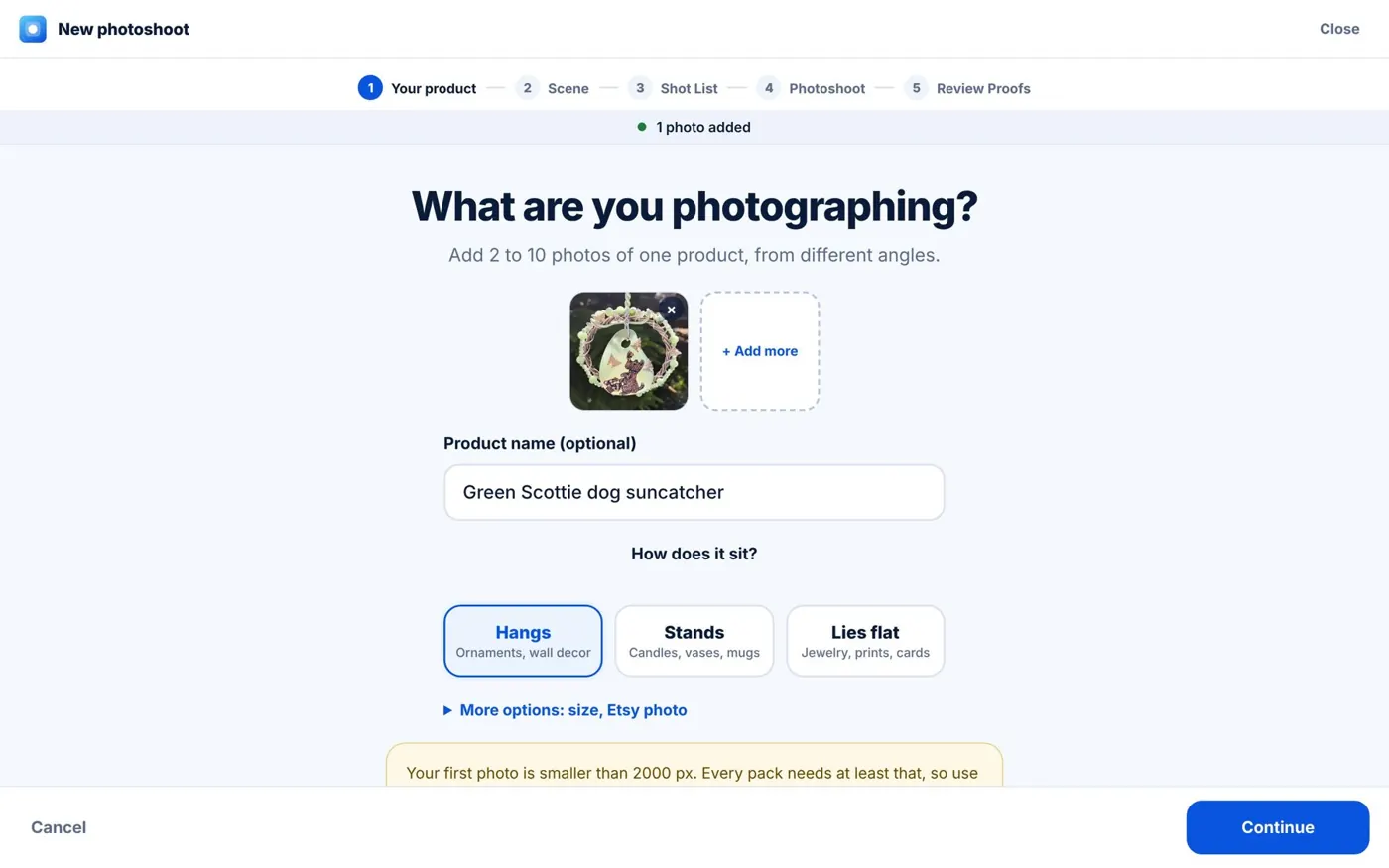
Choose a setting like a French villa or a cosy Scandinavian home. Inside or outside, morning or golden hour. Or pick a clean studio look.
See the plan before we start
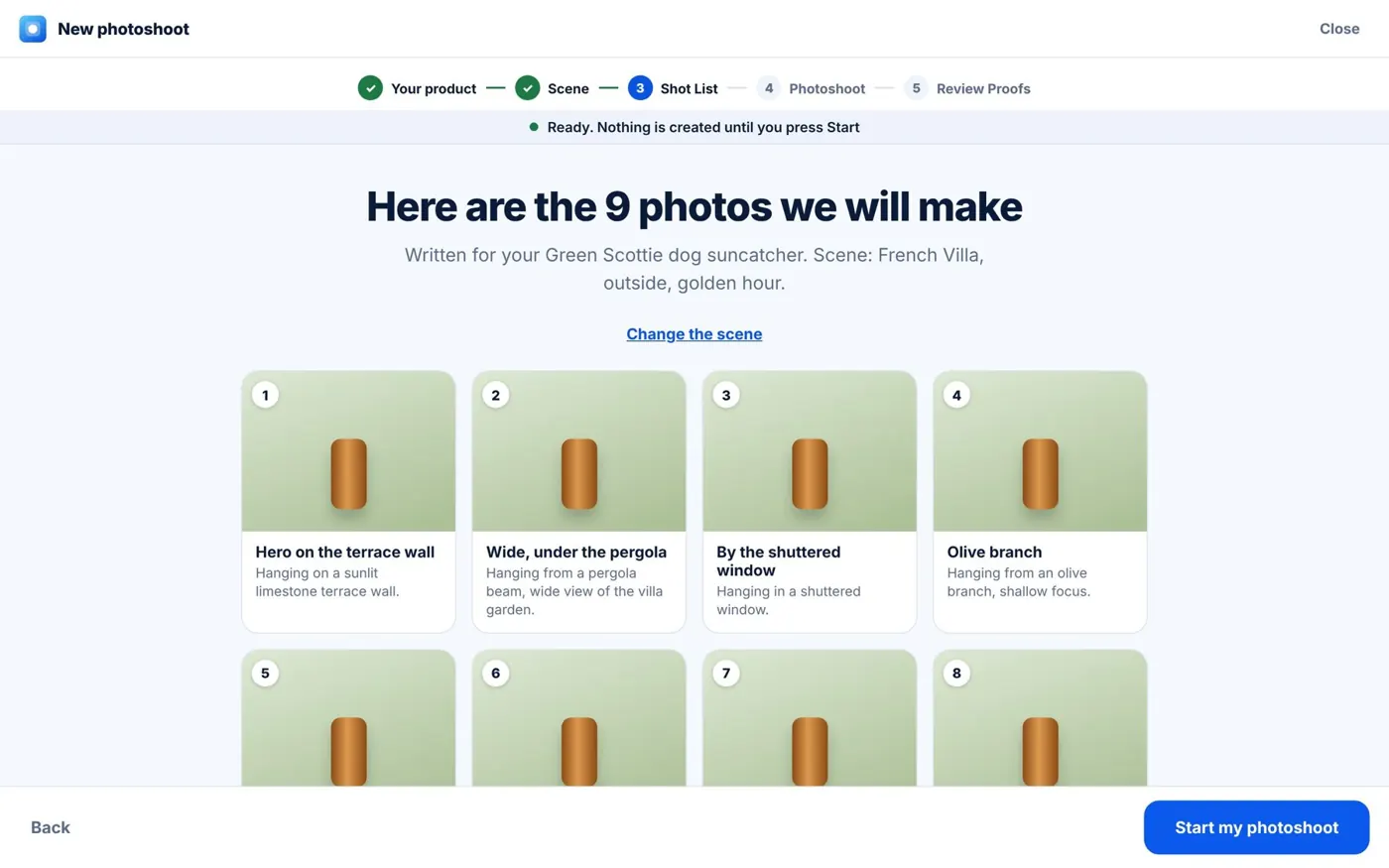
The AI looks at your product and plans nine different photos. Wide shots, close-ups, a gift shot. You can read the plan first.
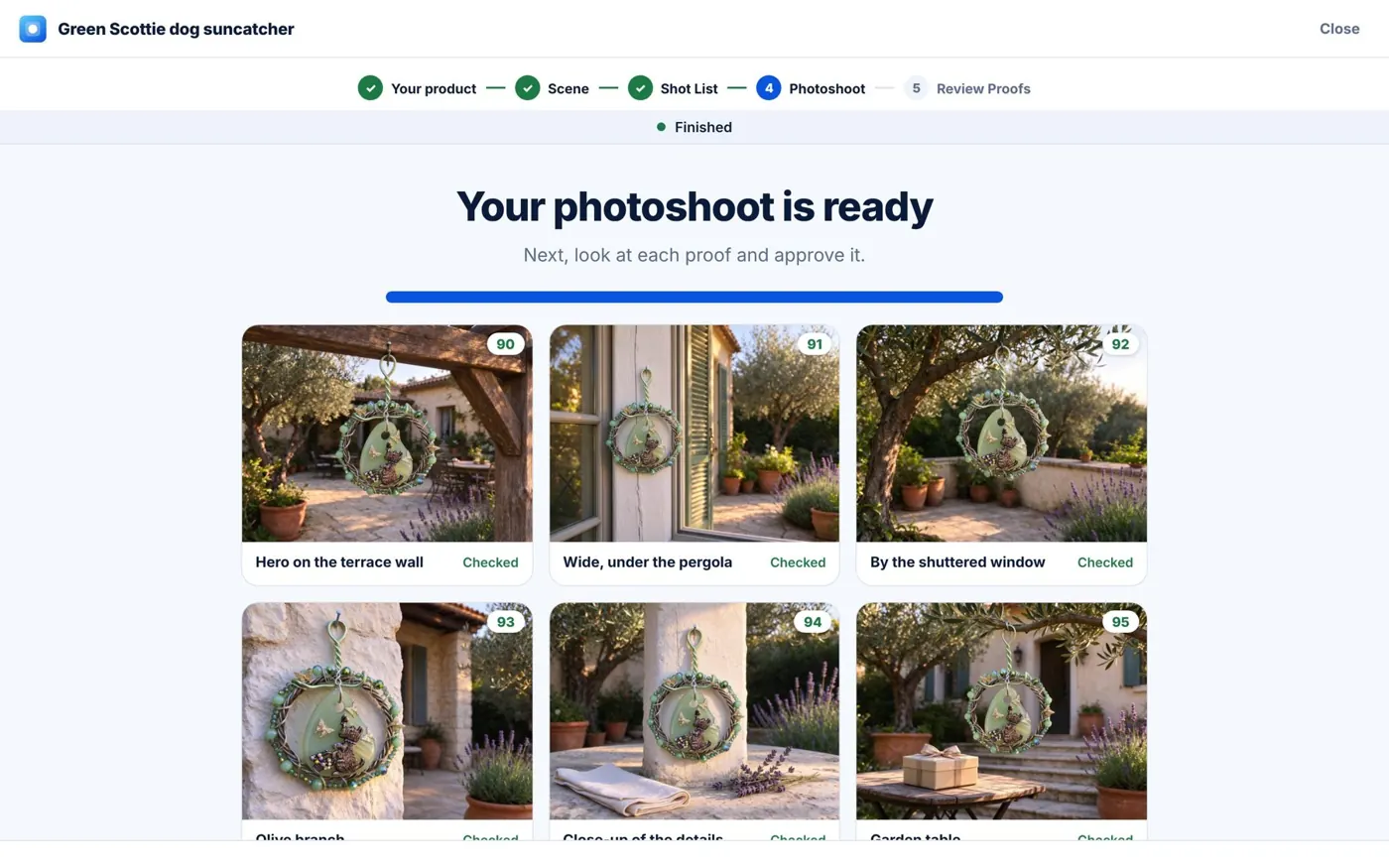
Watch your photos appear
Each photo is checked against your real product and gets a score. Keep this page open while it works. You can switch tabs. If you close it, it pauses and carries on when you come back.
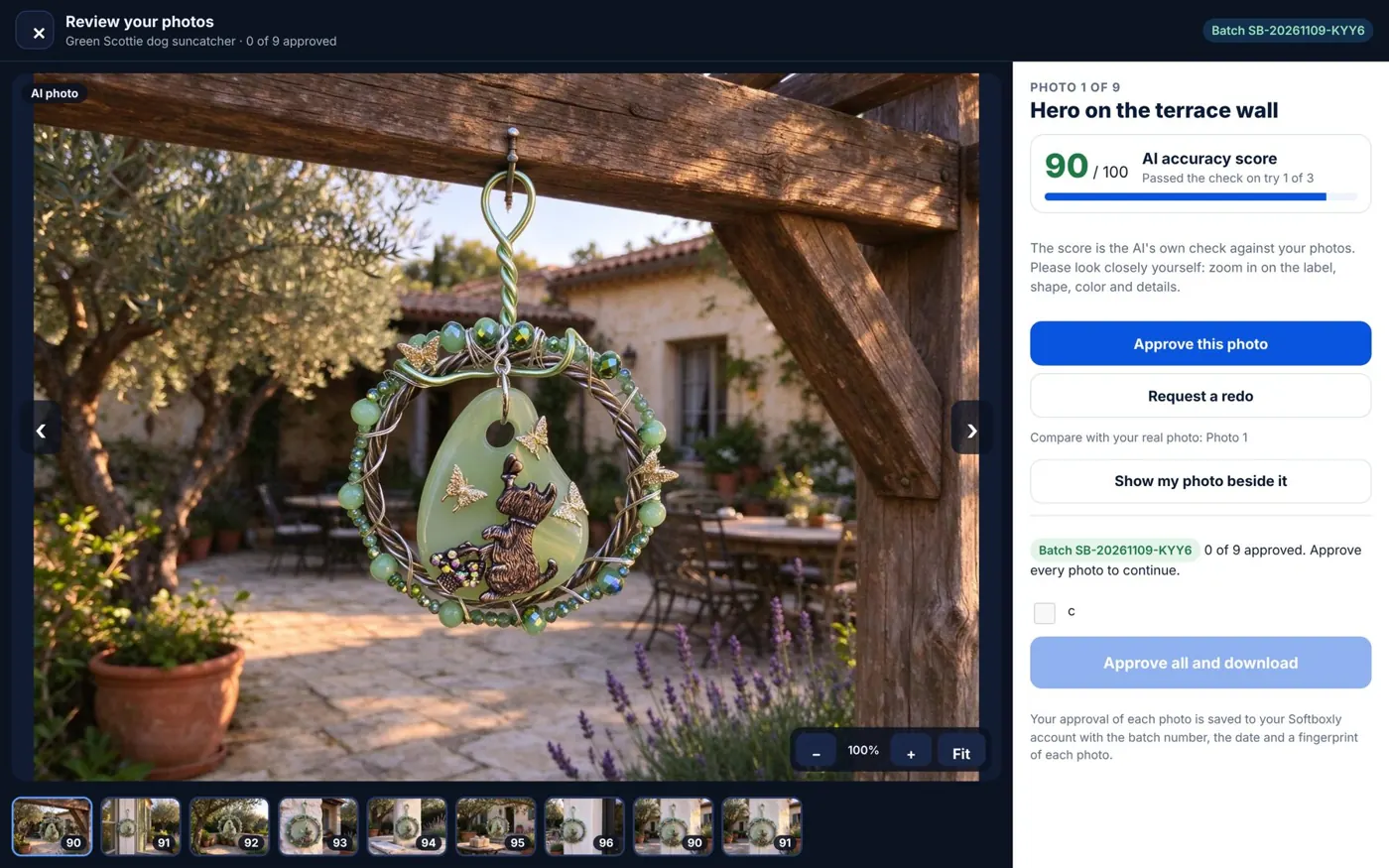
Look closely, then say yes
Zoom in on every detail. Approve the photos you love, or ask for a redo with a short note. Nothing downloads until you have looked at it.
Why it feels different
Most tools change one picture at a time. Softboxly plans and makes the whole set, then lets you check it.
A matching set of nine
Different angles and different spots, all of the same product, all in one look.
Your real product, kept exact
Only the scene is made. A second AI compares every photo with your product and gives it a score.
You are in charge
You approve every photo. Your approval is saved with a batch number and the date.
Works on your phone too
Start a shoot from the couch. Open the same photos on your computer later.
Pick a place
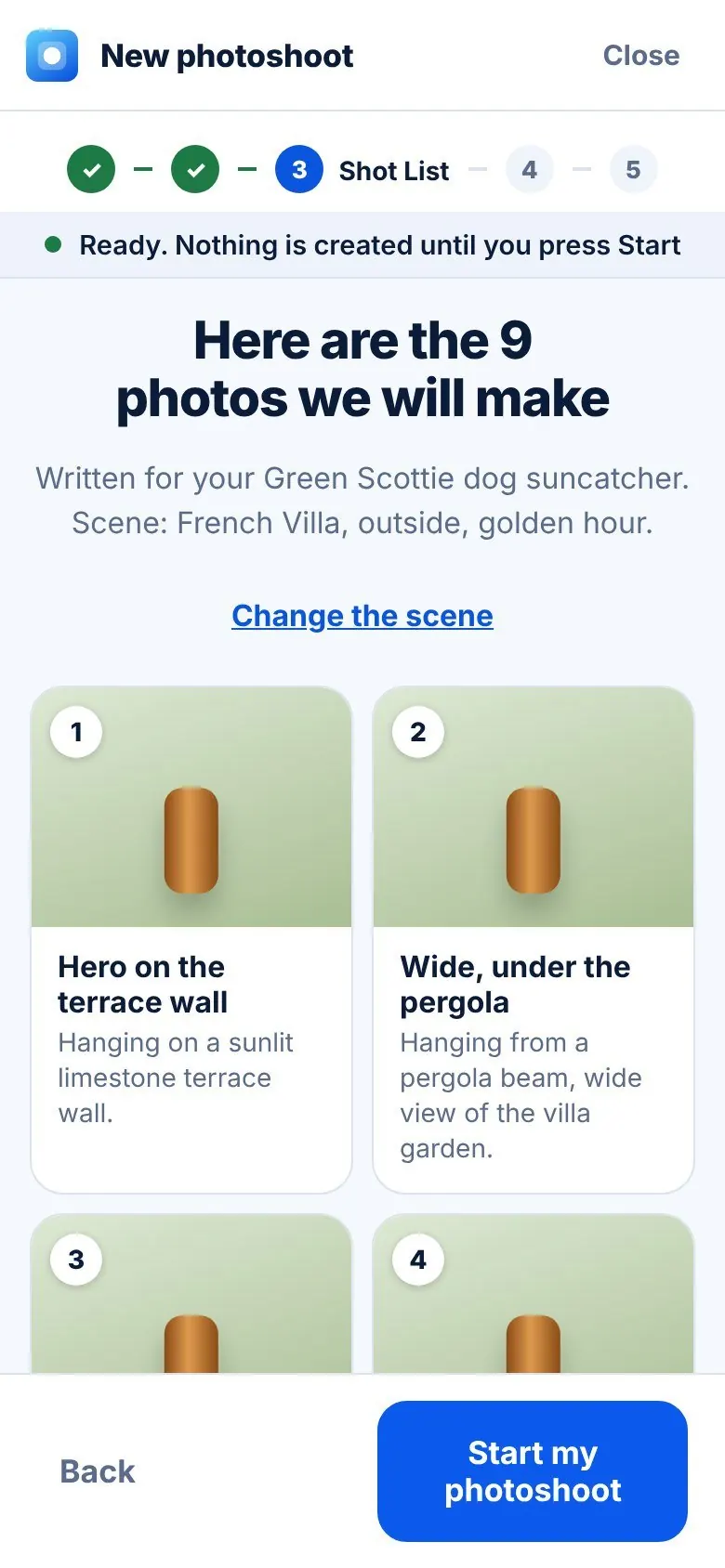
Read the plan
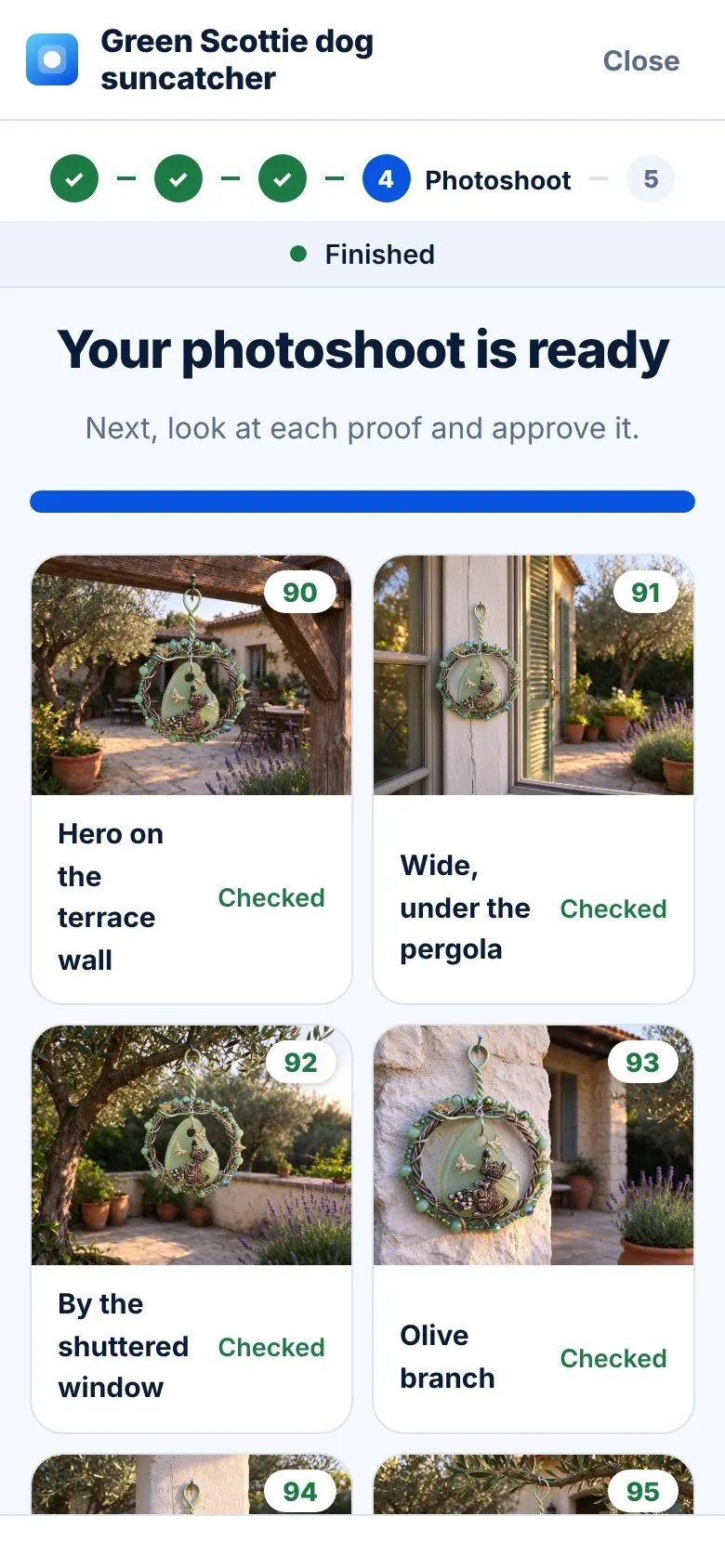
Watch it appear
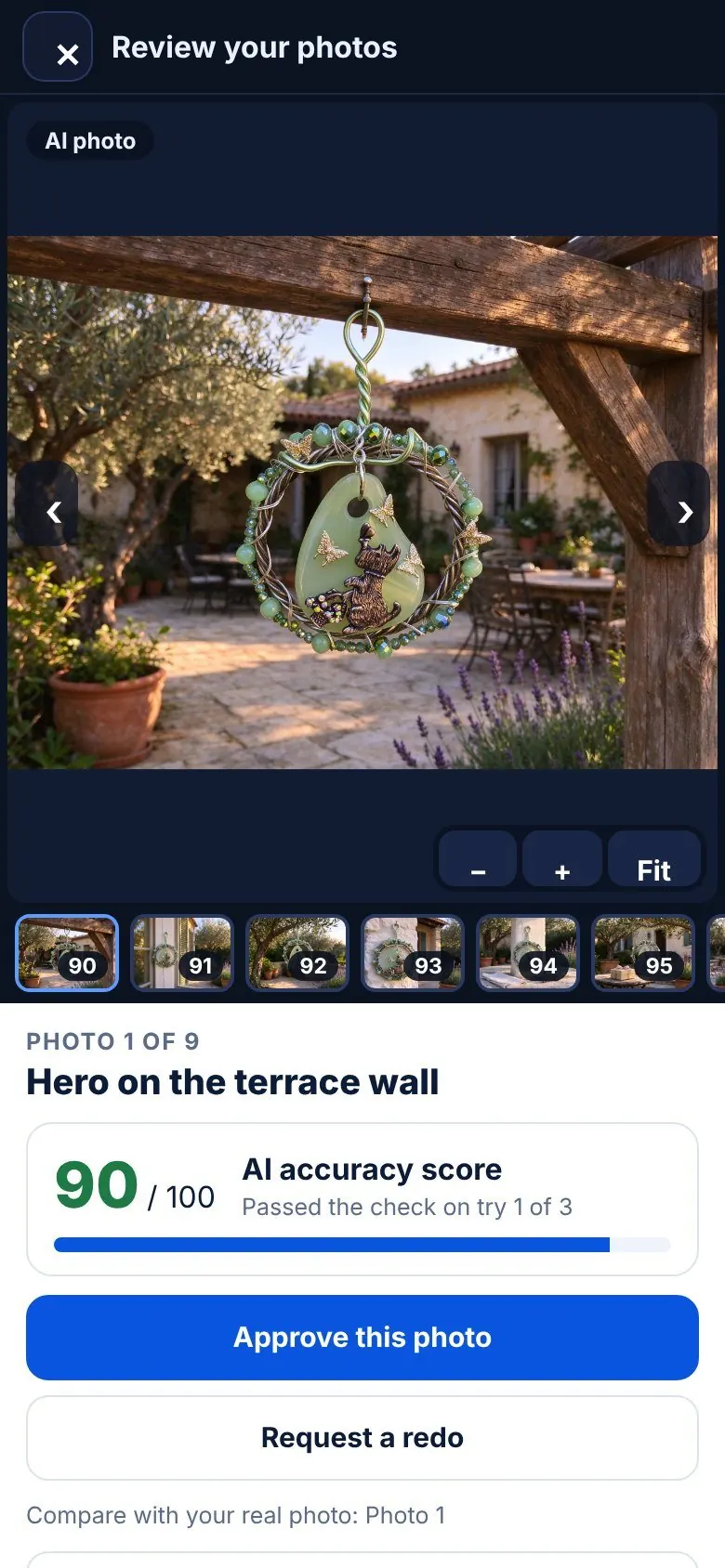
Check each photo
What you get
Nine photos from one shoot. These are real results, not mock-ups.
Hero on the terrace wall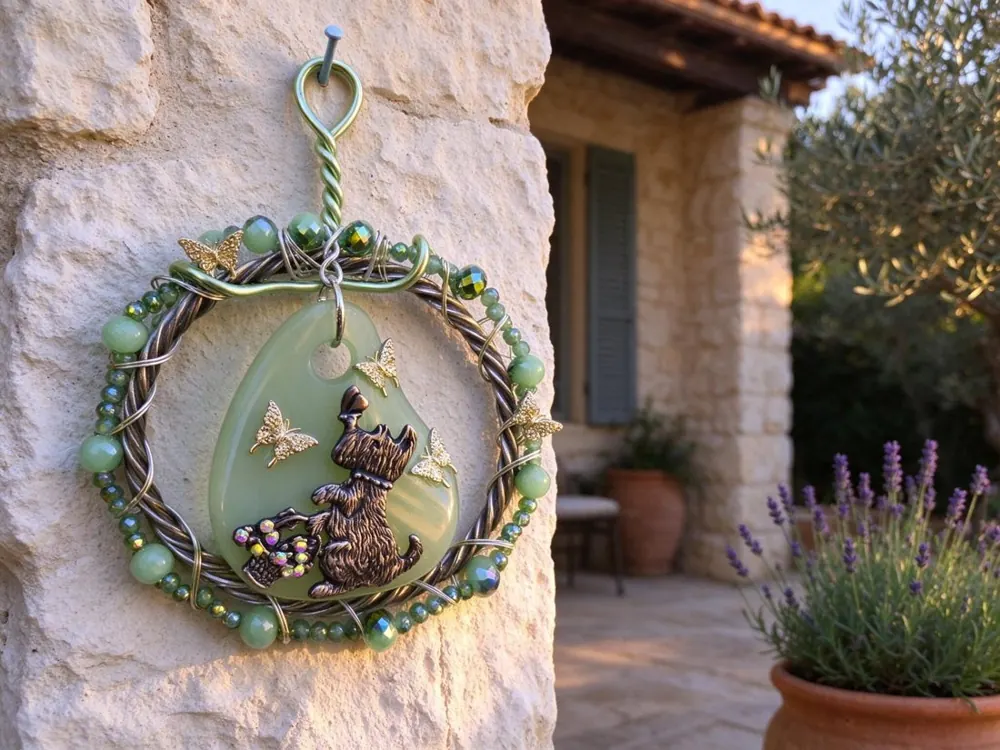 Close-up
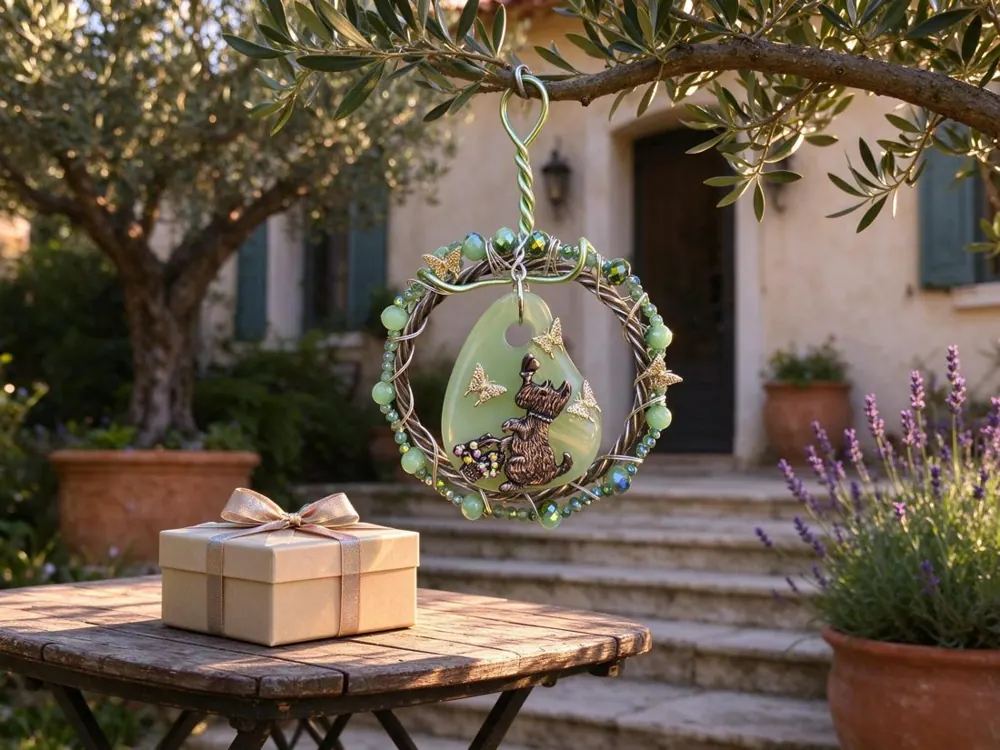 As a gift
 Room for textWide view
Ready for your shop
Every shop has its own rules. Softboxly builds each pack to match, so you do not have to remember them.
Simple pricing
Your first photoshoot is free to try. Your photos are never held hostage, because they live in your own Google Drive.
Single shoot
- 1 photoshoot, 9 checked photos
- Packs for Etsy, Amazon, Shopify, eBay
- Listing text included
Shop
- 15 photoshoots a month
- Saved scenes and your brand look
- Everything in Starter
Test prices. Cancel any time.
Questions people ask
Will it change my product?
No. Only the scene around it is made. Every photo is compared with your real product, and you approve each one before you can download it.
What happens if I close the page?
The shoot pauses and picks up where it left off when you come back. Photos already made are saved.
Where are my photos kept?
In your own Google Drive, in one folder called Softboxly, and on your device. Softboxly keeps no copy.
Is this allowed on Etsy and Amazon?
The packs follow their photo rules, and each one carries a note that the photos were made with AI. You look at every photo and you are responsible for your listings.
What if a photo is not right?
Ask for a redo with a short note. A photo with a low score is still shown, so you can decide for yourself.
Ready to see your product in a new place?
Add a few photos and watch the shoot come together.
Beta. Photos are made and checked by AI and may not be perfect. Look at every photo before you list it.